Geofence rules
Geofence rules
A geofence rule links the location of a device to the application of a ready configuration. A geofence describes the area; a rule defines the condition and the action.
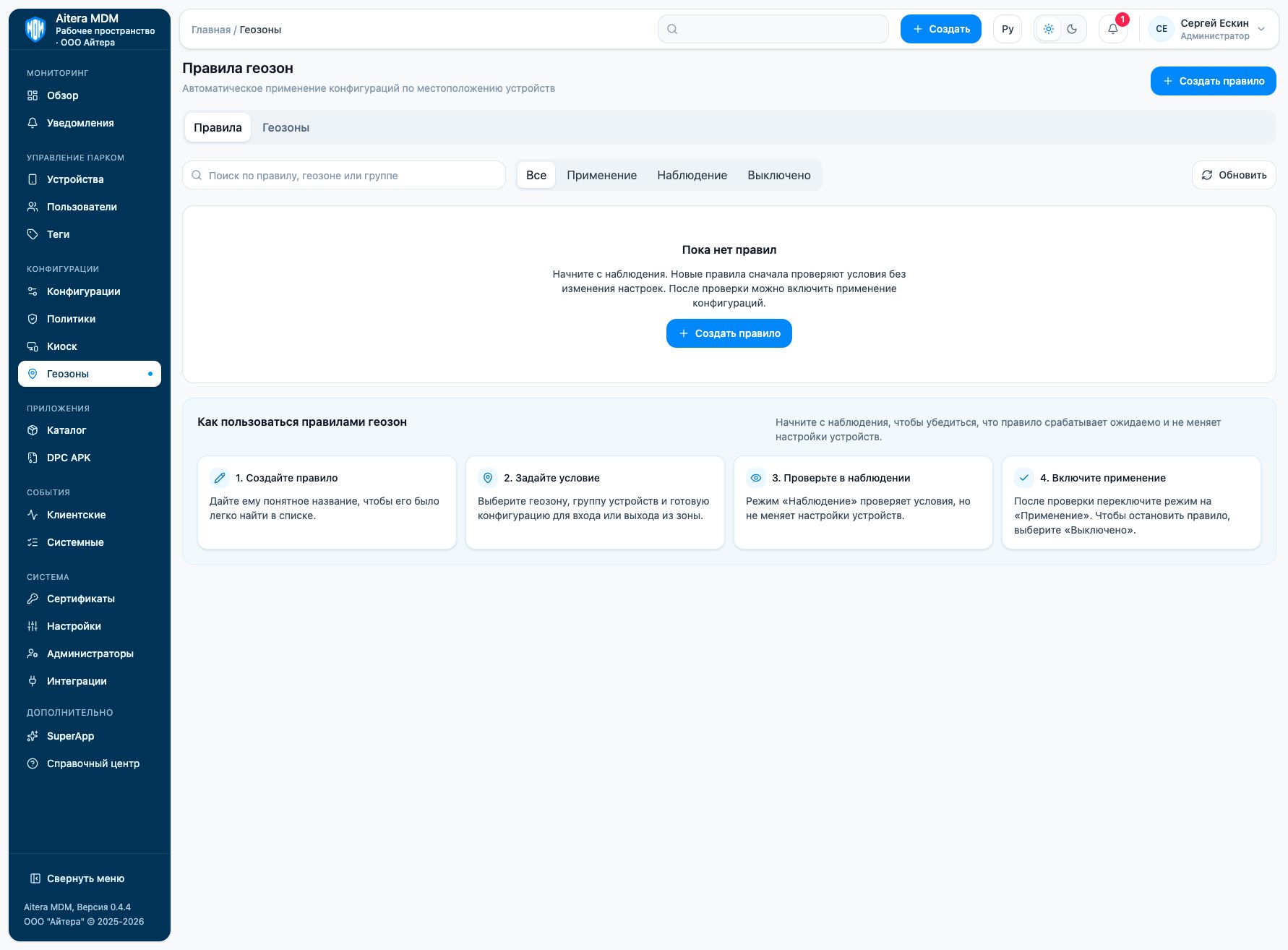
Preparing a rule
- Open “Geofences” and click “Create rule”.
- Give it a clear name.
- Select the geofence, the group and the configuration for entering or leaving the zone.
- Test the rule in “Observation” mode.
- After testing, switch it to “Enforcement”.
“Observation” checks the conditions without changing settings. “Enforcement” enables the action. “Disabled” stops the rule.
Rules require up-to-date device coordinates and permitted location collection. The absence of coordinates does not confirm that a device is outside the zone. Take the coordinate storage settings into account and use location collection only for a scenario permitted by the organization.
Last updated