Provide access to the corporate network
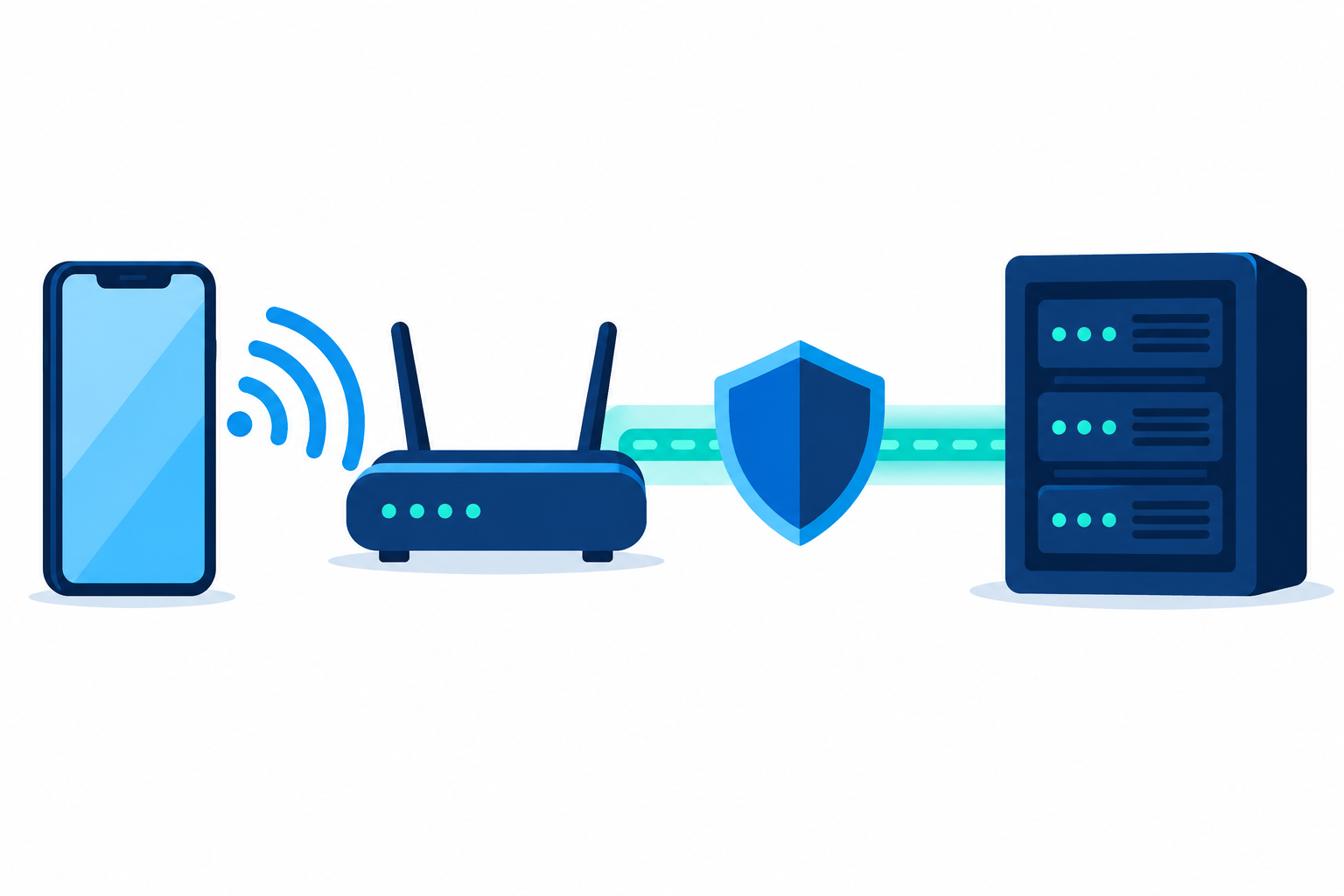
Goal: The device connects to the required Wi-Fi network and to corporate resources through the selected VPN.
Before you begin
Obtain the SSID, security type, gateway parameters, and authentication method; prepare a fallback connection to MDM.
Procedure
- Create a Wi-Fi profile.
- Select a VPN profile for Apple.
- Or configure OpenVPN Connect.
- Assign the profiles to one test device.
Expected result
Wi-Fi, VPN authentication, the tunnel, and access to the required resource all work, each stage verified separately.
If the result differs
If Wi-Fi works but the resource is unavailable, check DNS, routes, VPN, and the service permissions. Do not block the network until the new profile has been verified.
Changes and rollback
Confirm the recipients before changing an assignment. Test the new value on a test device first. Do not treat removing an assignment as an automatically confirmed rollback of all local settings: check the final state of the device and the application.