Delivery of files and certificates
Delivery is started from the group card. The “Files” tab provides the delivery operations supported by the current server.
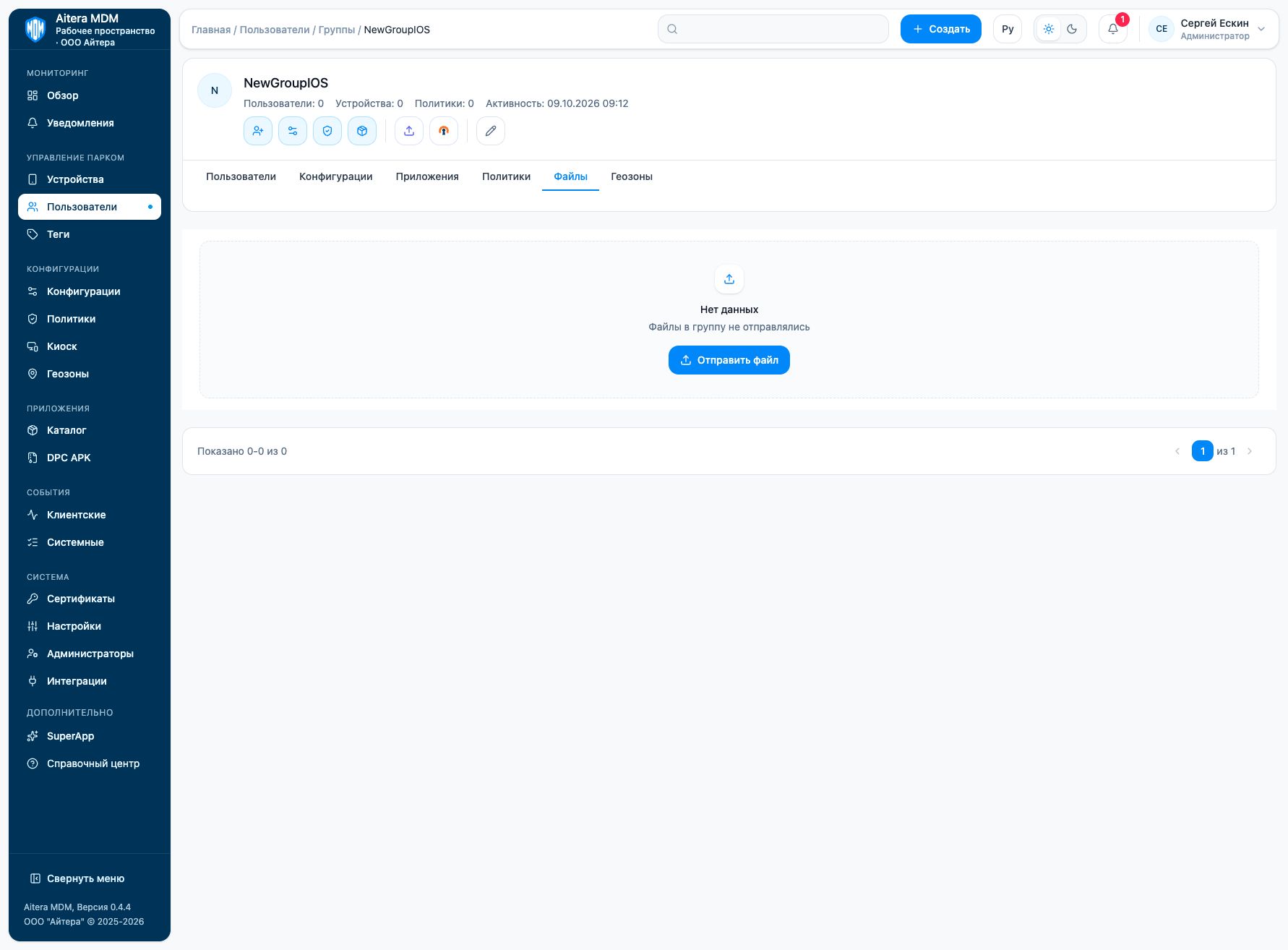
Sending and verification
- Open “Users → Groups” and the group you need.
- Go to the “Files” tab.
- Click “Send file”. Select the type “File” or “Certificate”, the file itself and the lifetime.
- Check the type, the recipients and the assignment before sending.
- Check the delivery record and the result on the device.
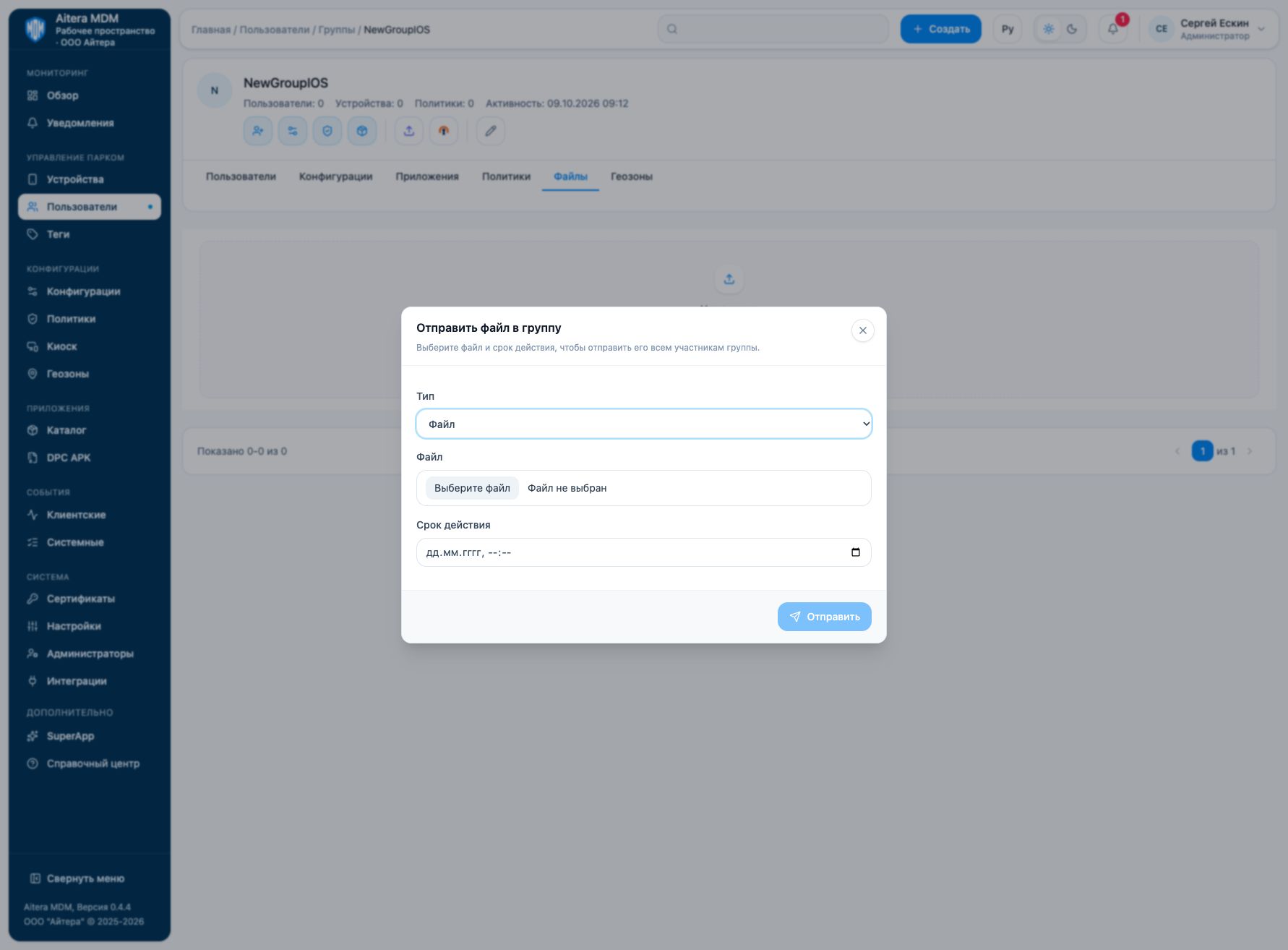
For an existing delivery, preview, download, resend and delete may be available. A successful upload to the server does not confirm that the file has reached every recipient.
Do not distribute private keys and files with secrets through the general scenario without an agreed purpose and a secure channel.
Last updated