Creating and assigning a policy
- Click “Create policy”.
- In the general settings, enter a name of 3 to 100 characters and a description (empty or 3 to 100 characters).
- Select the policy type. Take into account the limitation on saving additional parameters described in the type reference.
- Specify the response to a violation.
- Select the assignment and review the summary before saving.
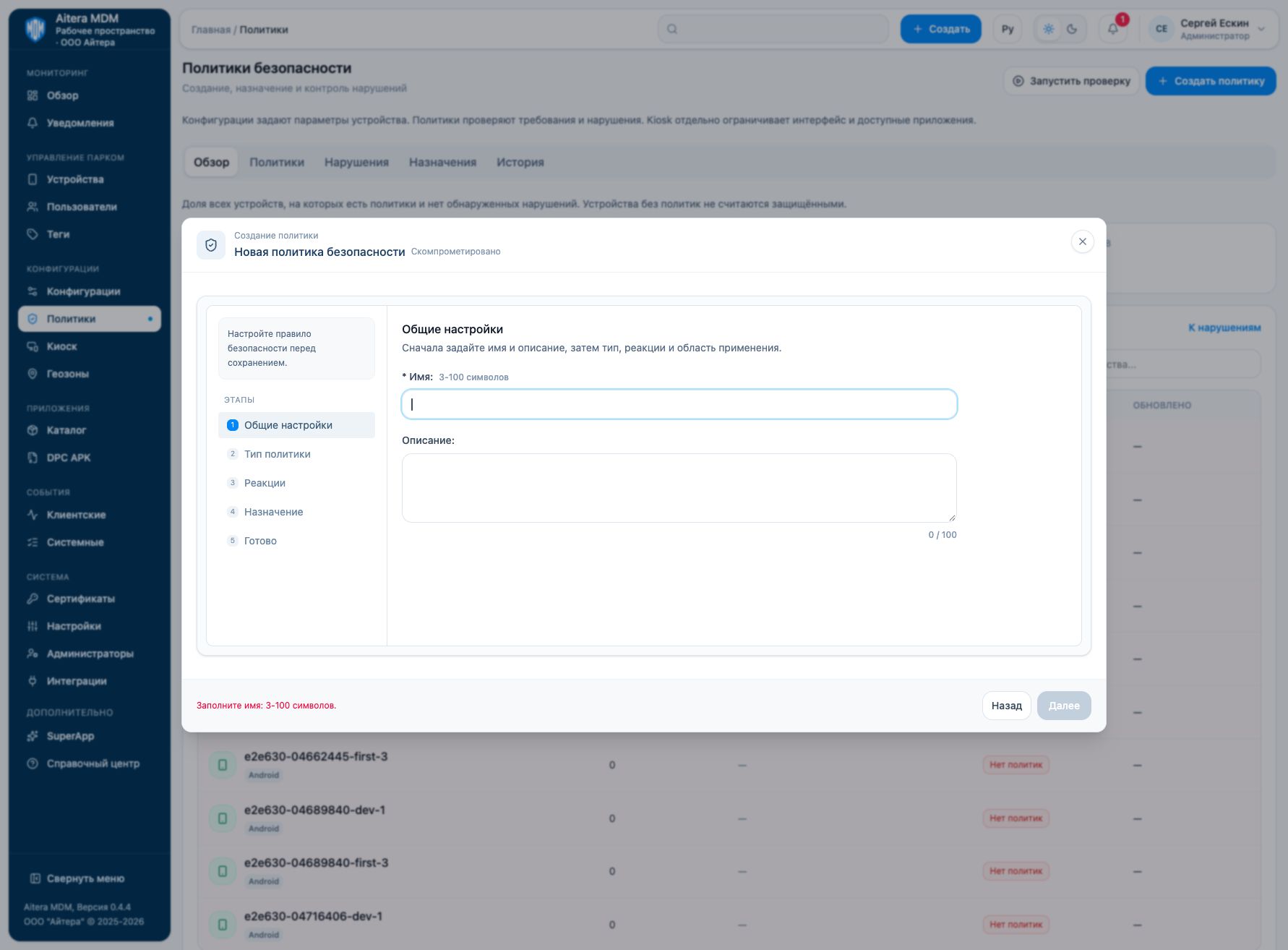
The page provides “Overview”, “Policies”, “Violations”, “Assignments”, and “History”. After assigning, use “Run check” and review the violations.
Related instructions
Back to the “Security policies” section
Type references
Last updated