Enroll a personal Android device
Goal: Work data is separated from personal data using a confirmed enrollment method.
Before you begin
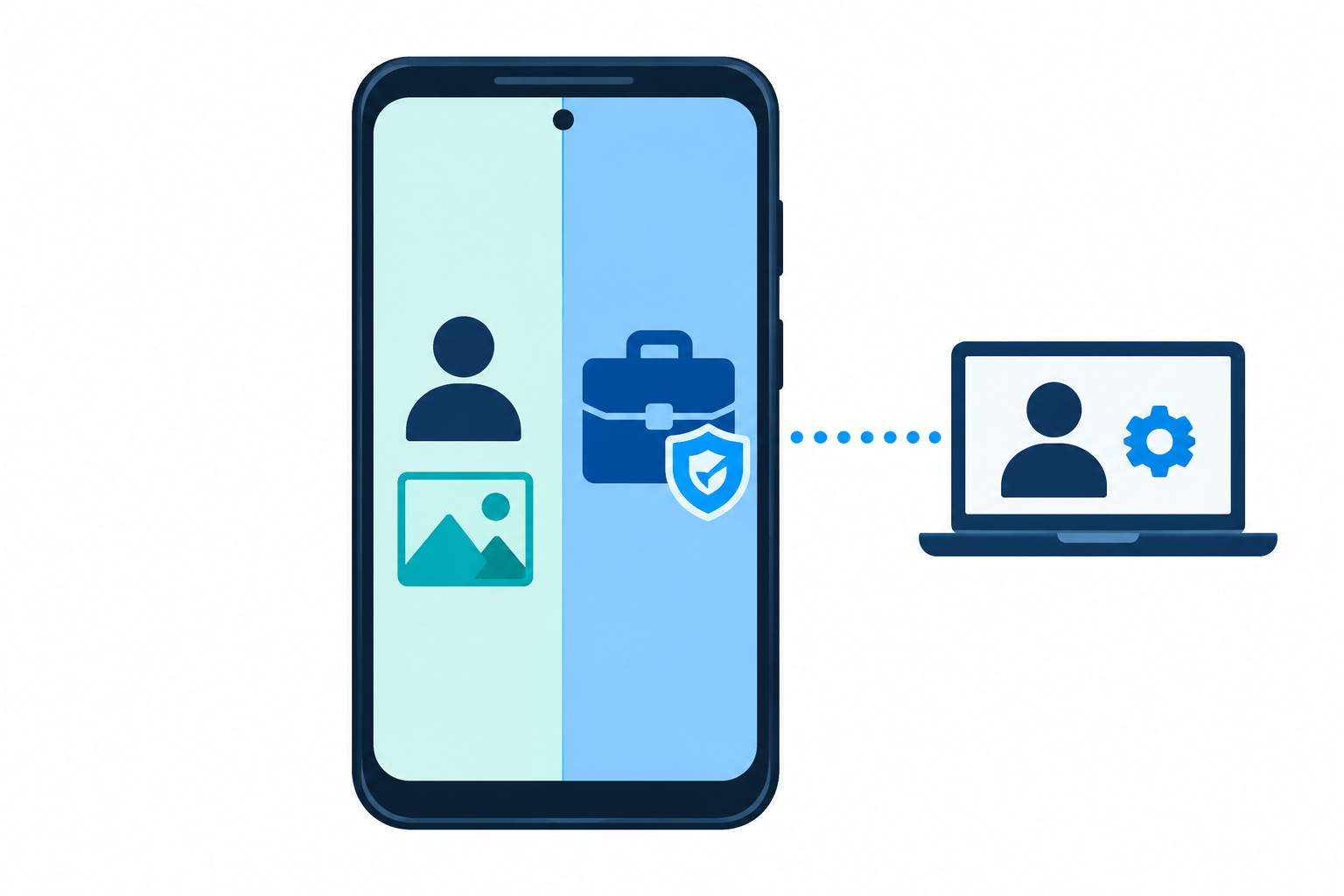
Agree on the use of a personal device. Do not confuse BYOD client enrollment with the actual creation of an Android Work Profile.
Procedure
- Review the enrollment modes.
- Enroll Android through the selected channel.
- Check the work profile parameters.
- Assign the work applications.
Expected result
The work area has been created if the channel provides one; restrictions are verified in the work area, and the personal area separately.
If the result differs
The presence of a BYOD card does not prove that a Work Profile has been created. Check the profile on the device itself.
Changes and rollback
Confirm the recipients before changing an assignment. Test the new value on a test device first. Do not treat removing an assignment as an automatically confirmed rollback of all local settings: check the final state of the device and the application.
Last updated