Adding a user
Before creating
Check whether the user comes from LDAP and whether their account already exists.
Creating
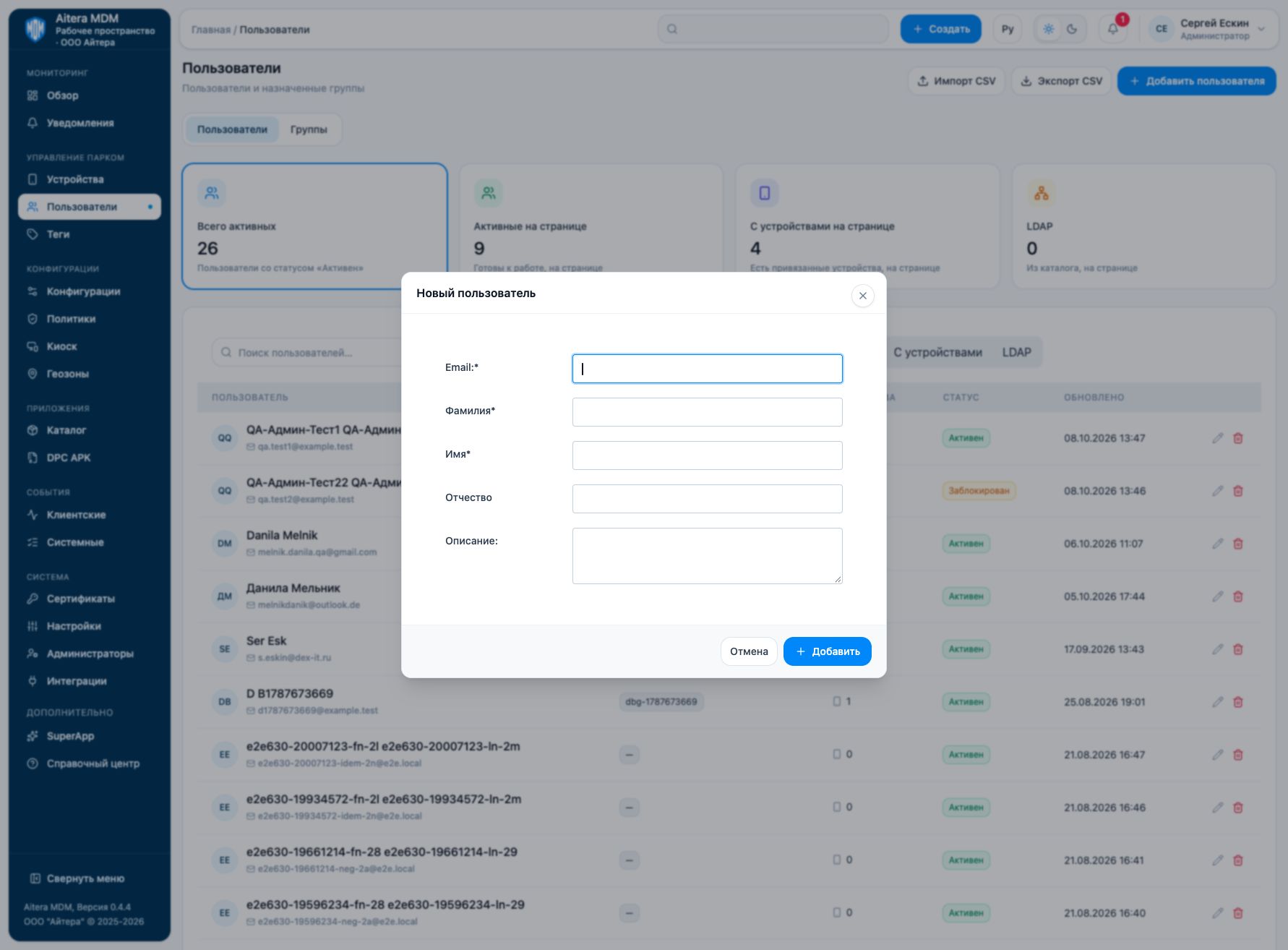
- Open “Users” and click “Add user”.
- Fill in the Email, last name, and first name.
- If necessary, enter the middle name and a description.
- Save and check the record in the list.
Next step
Last updated