Console branding
Open “Settings → General” and click “Edit”. The form provides a preview of the appearance.
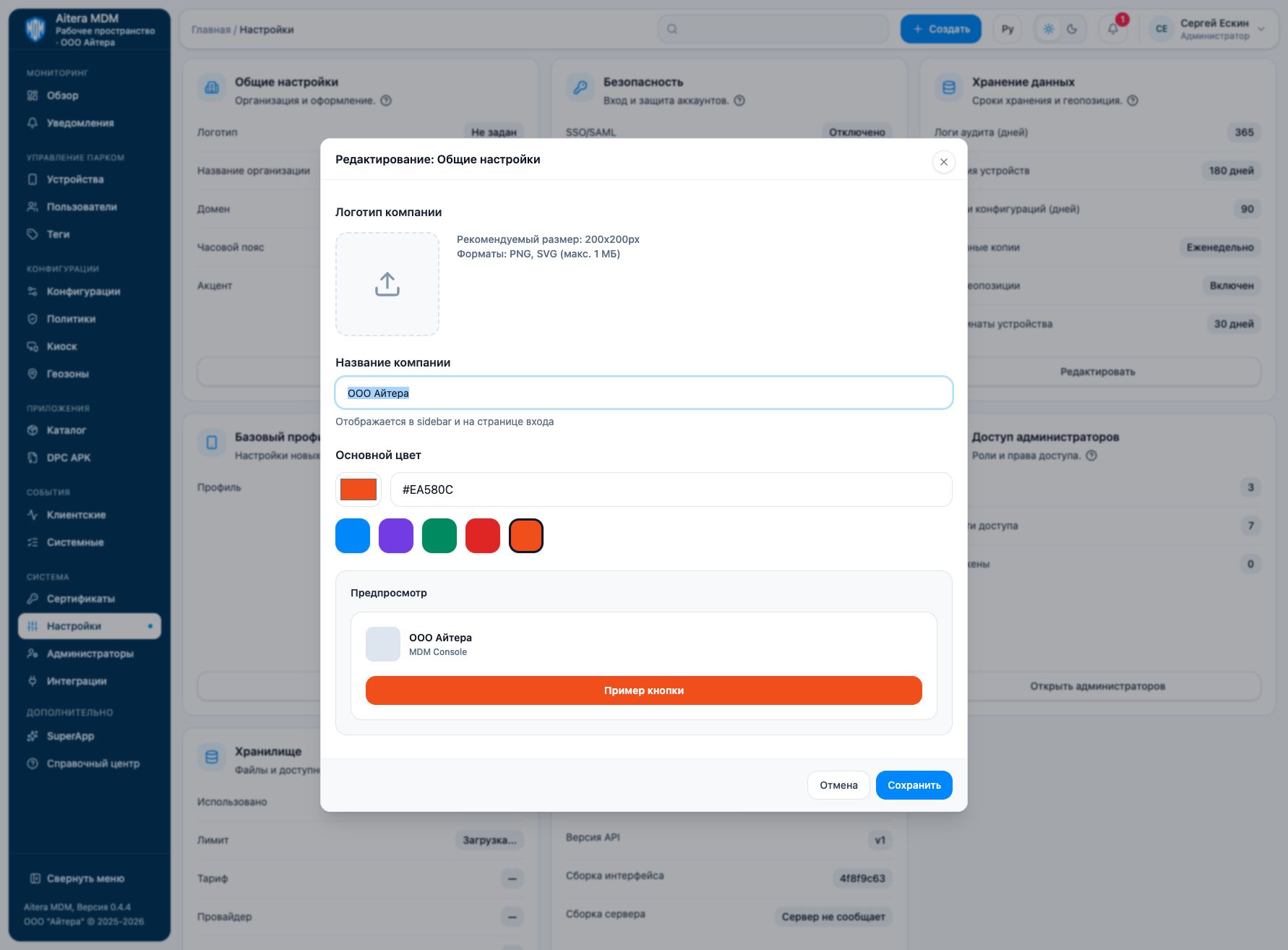
- Upload a PNG or SVG logo; the recommended size is 200 × 200 pixels, and the maximum file size is 1 MB.
- Enter the company name. It is displayed in the console, including the side panel and the sign-in screen.
- Set the primary color in HEX format
#RRGGBBand select a color palette option. - Check the preview and save the changes. The light and dark theme settings for the header are set separately.
Changing the name or appearance does not change the domain, DNS, TLS certificate, or server addresses. Do not enter the organization’s address in the name field expecting the sign-in address to change.
Last updated