Device tags
Tags label devices for search and selection. Groups combine users and are used to assign settings; a tag by itself does not create such an assignment.
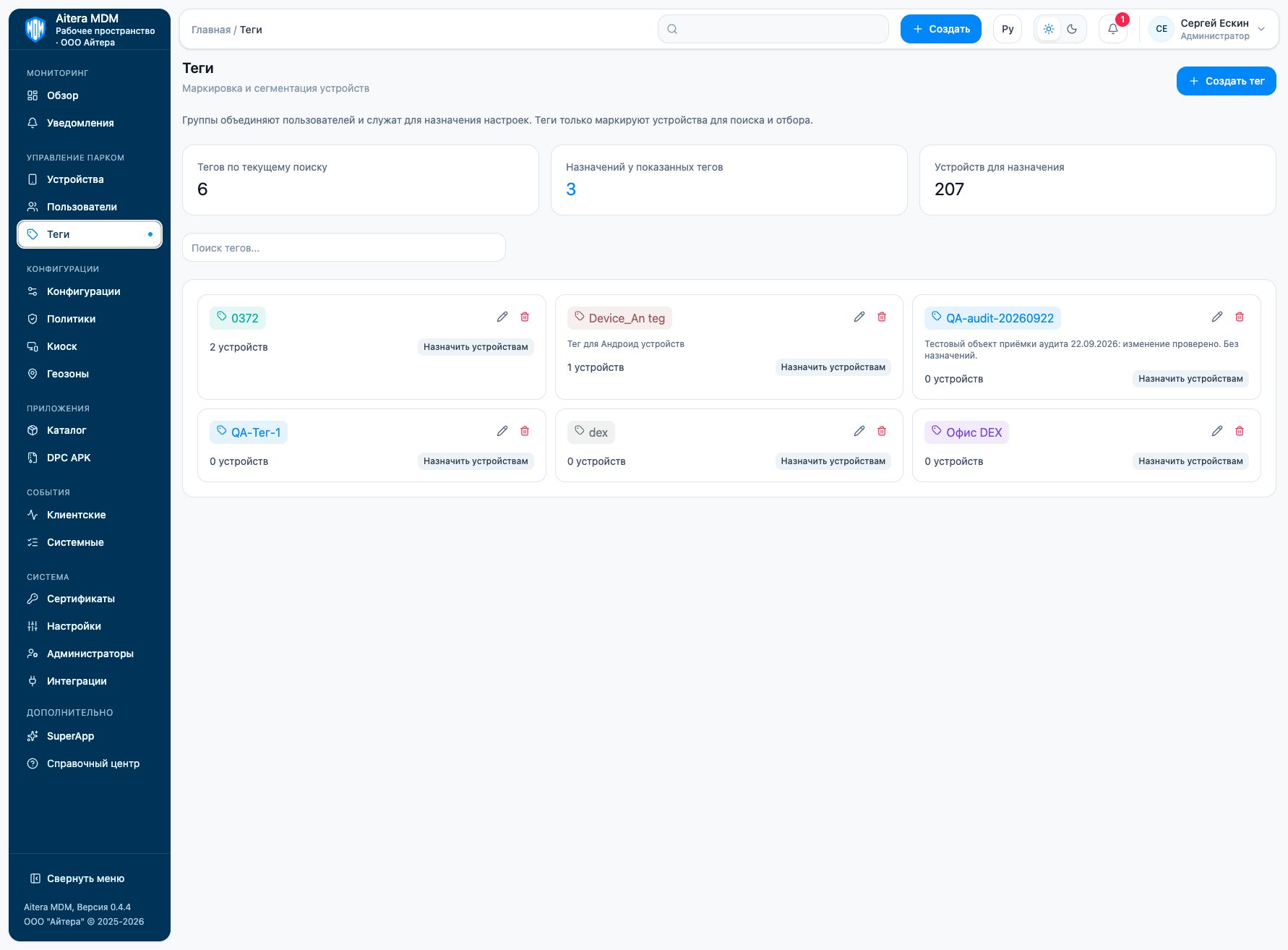
Working with tags
- Click “Create tag” and give it a clear name.
- Add a description if needed.
- For an existing tag, use “Assign to devices”.
- Check the list of selected devices before confirming.
The counters on the page refer to the tags of the current search. Deleting or changing a tag should not be used as a way to remove a configuration or policy.
Last updated